WHY I STARTED A HOMELAB
Flight tracking ADS-B
- Automatic Dependent Surveillance–Broadcast
- Wanted to learn more about the airplanes flying over my house
- Lots of military planes: C130, A400, F16, loud Antonov
- If you feed you get a free "premium" subscription
- I had a raspberry pi ready to use
Privacy
- Private Minecraft hosting for my kids
Automation
- Home Assistant
- Integrations with various devices and services
- Automate / control your home
Learn by doing
- Tinker with hardware and software
- Improve skills
- Learn a new programming language
MY HOMELAB
Pictures
Shiny rack server
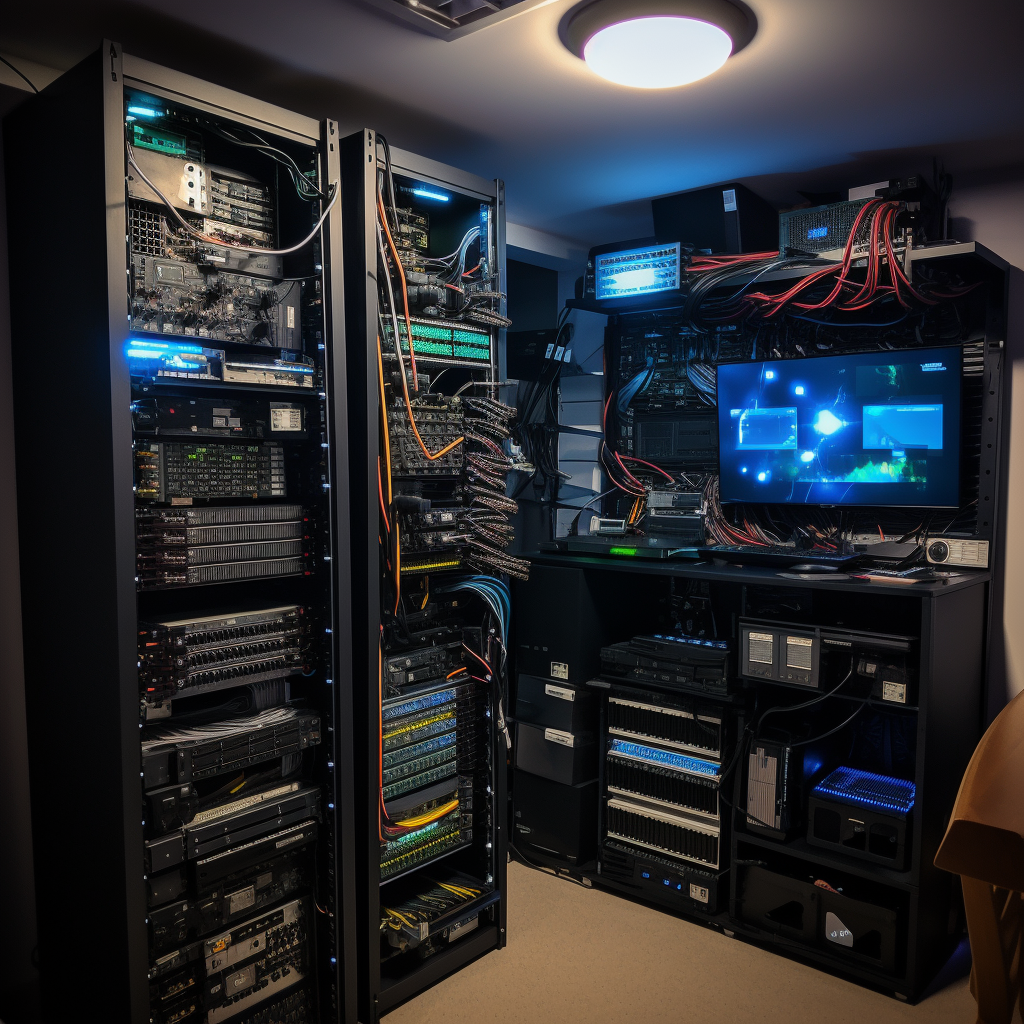
My setup
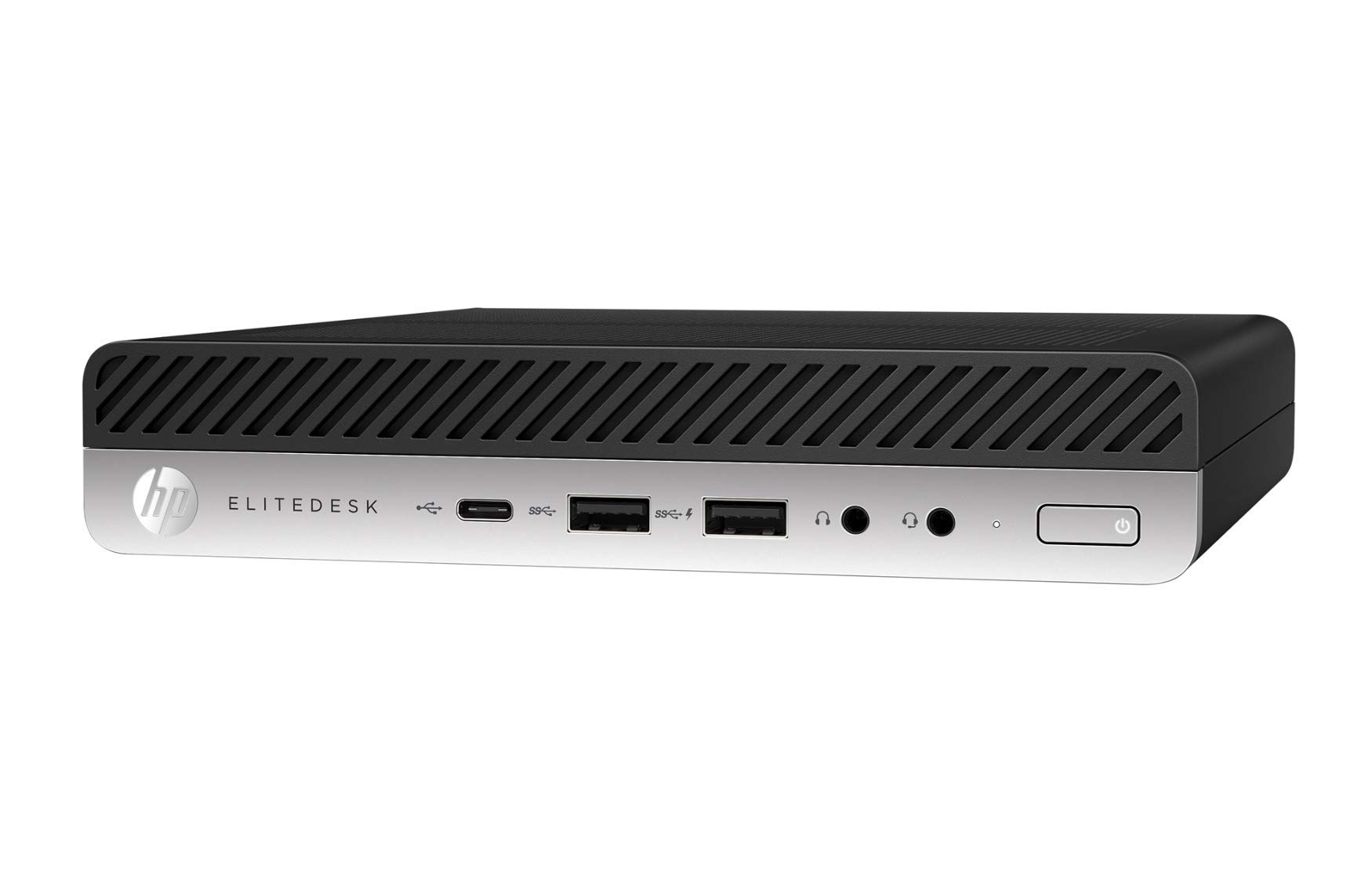
My setup
- 2x HP 800 G3 Mini pc
- CPU 8 x Intel(R) Core(TM) i7-6700T CPU @ 2.80GHz (1 Socket)
- CPU TDP 35 W
- RAM 16Gb
- SSD 512Gb
Thermal Design Power (TDP) represents the average power, in watts, the processor dissipates when operating at Base Frequency with all cores active under an Intel-defined, high-complexity workload.
The rest
- 1x Raspberry Pi 4 Model B
- 1x Odroid C5 (Home Assistant) + Zigbee stick
RUN ALL THE THINGS, HOW?
Proxmox Virtual Environment (PVE)
- 2x Mini pc
- Watch YT tutorials with step-by-step instructions
- Virtualization platform:
- Virtual machines - full virtualization, can run full operating systems
- Linux Containers (LXC) - lightweight, isolated environment but tightly linked to the host
Install apps
- Read hardware requirements
- Read software installation instructions
- Create LXC or VM
- Set virtual limits (CPU, memory, disk)
- Set network configuration (IP, gateway, DNS)
- Install software
- Proxmox community scripts
First host
- Start small with 1 host (2nd hand or refurbished)
- Old laptop
- Raspberry Pi
- Old corporate server
- OS: Ubuntu, Debian, ZimaOS (~NAS )
- Start with 1 app or service
- Before you know you're running a lot of services
- Think about
- CPU + TDP
- RAM
- Storage
Start simple
Extend if needed
- Zero Trust access for secure remote access
- Make mistakes, learn from them
- Easy to retry / start over
- If you feel to automate, do it
- Proxmox, XCP-ng, Kubernetes, ...
MY APPS
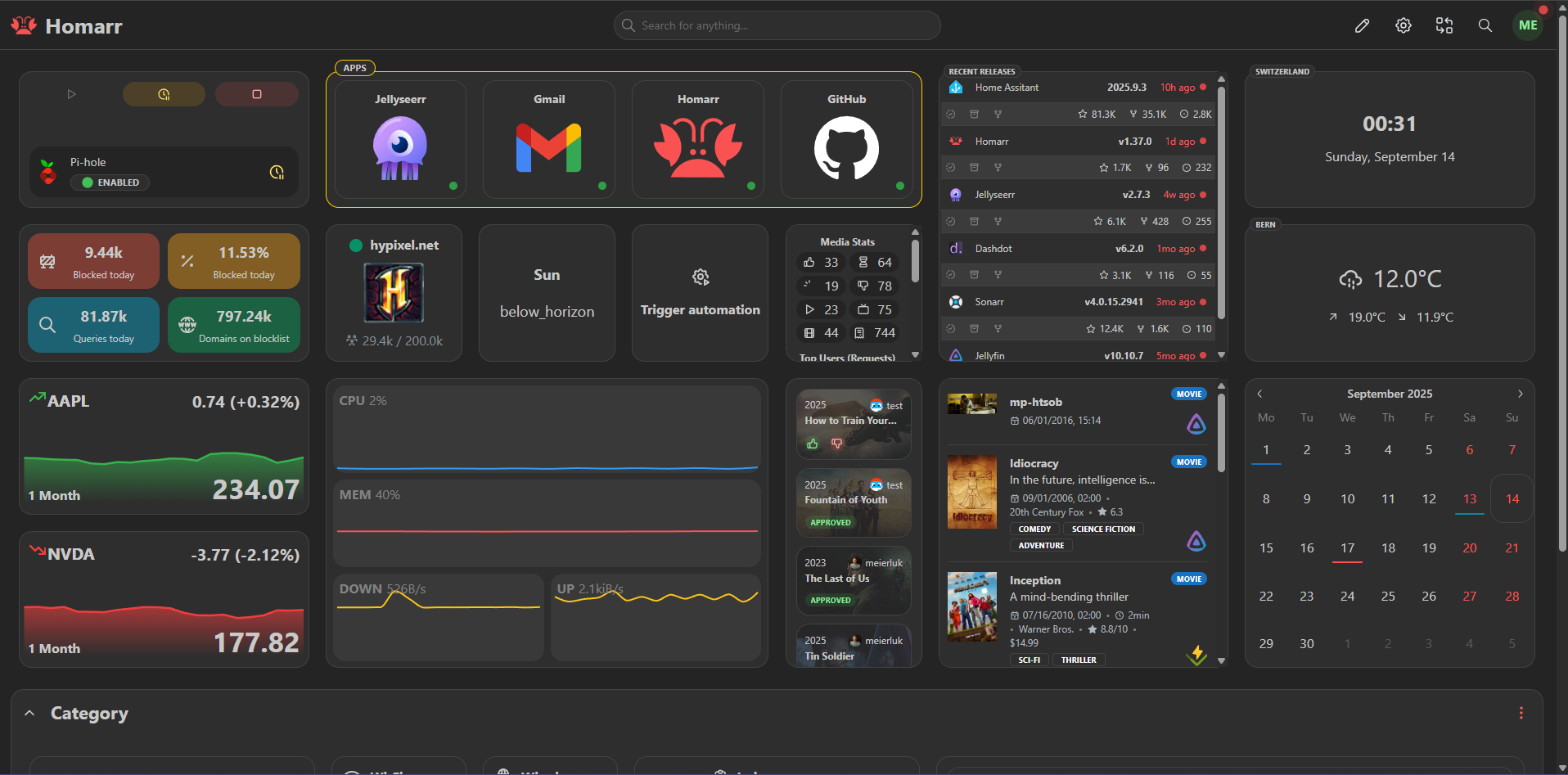
Dashboard
- homarr
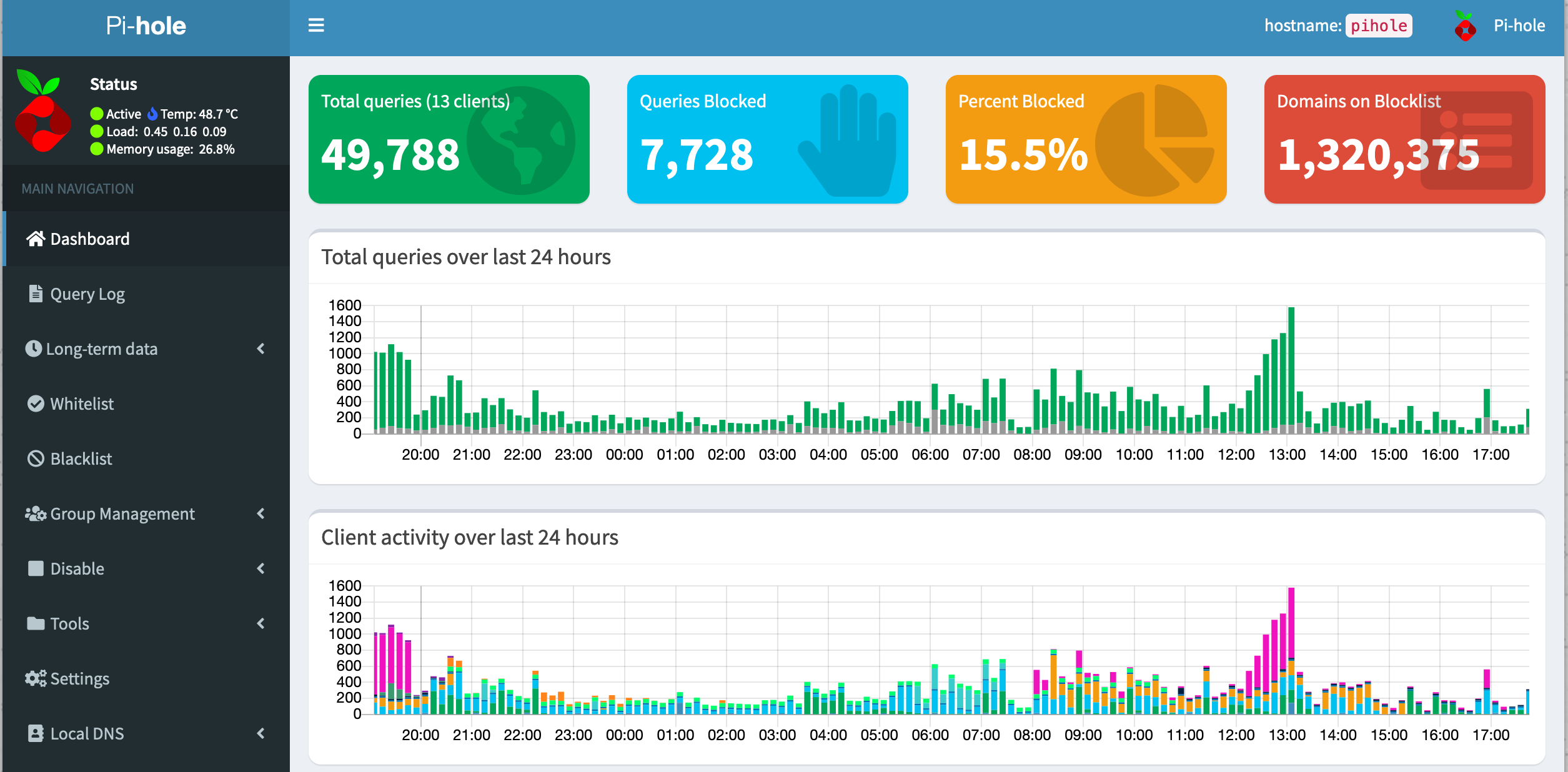
Ad blocker & local DNS
- pihole
- Custom CNAME DNS records
- git.local.domain.tld > IP reverse proxy
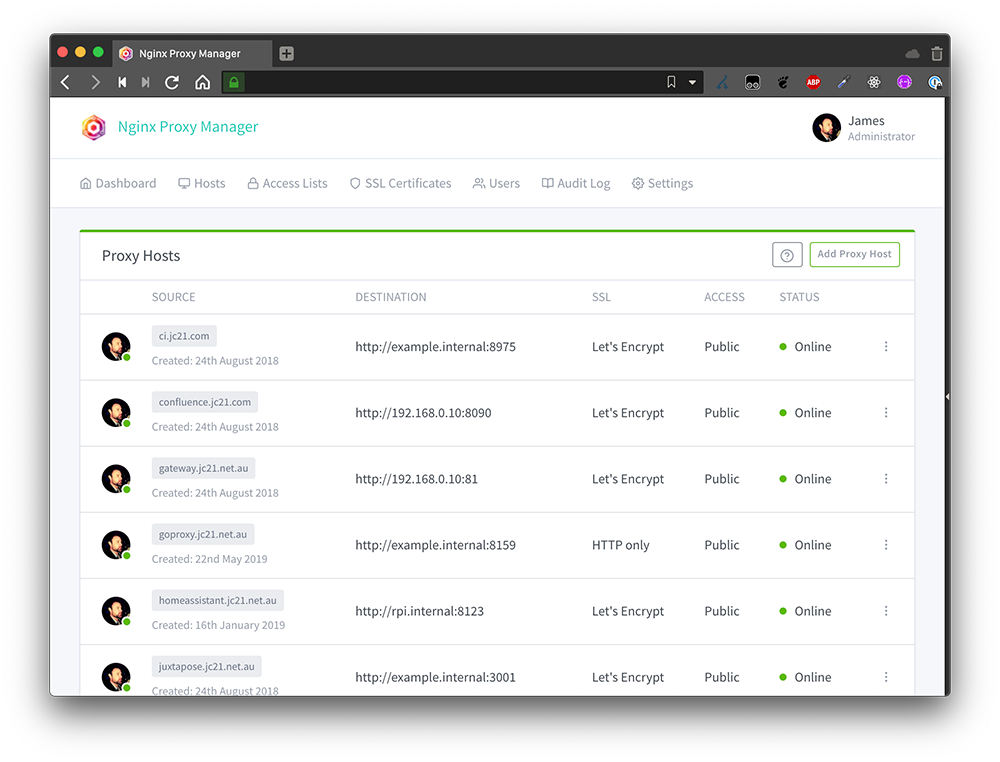
Reverse proxy
- Nginx Proxy Manager
- Route traffic to services based on DNS records
- git.local.domain.tld > 192.168.0.30:3000
- Free Let's Encrypt for https
Sync data
- Syncthing (+ Obsidian)
Development Server
- Continue work no matter the device
- vs code remote development server
- zed remote development
- vim + tmux
- LXC container with enough disk space
Databases
- Mariadb
- Adminer
Design tools
- Penpot (Figma alike)
- Excalidraw (whiteboard)
Monitoring
- Beszel
- Uptimekuma
Speedtest
Version control (git)
Apps / Web hosting
- Docker / Podman
- Uncloud
ADS-B feeders
- ADS-B Exchange
- Flightradar24
- Antenna > cable > usb dongle > homelab device
Research
- Folding@home
- It uses your CPU/GPU to simulate protein folding and contribute to scientific research
Disposable apps
- Firefox, Linux, Windows, ...
- Kasm Workspaces
Custom Nest Hub apps
- Host your own apps/websites on the Nest Hub
- Cast All The Things (CATT)
- Cast YouTube video
- Cast local video
- Cast local photos
- Cast local music
- Cast websites
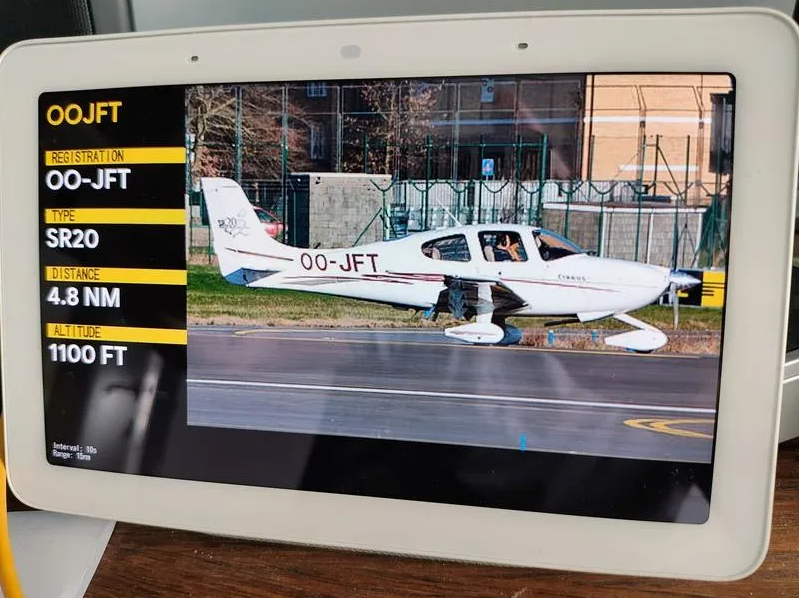
Plane Spotter
- Shows closest plane to my house
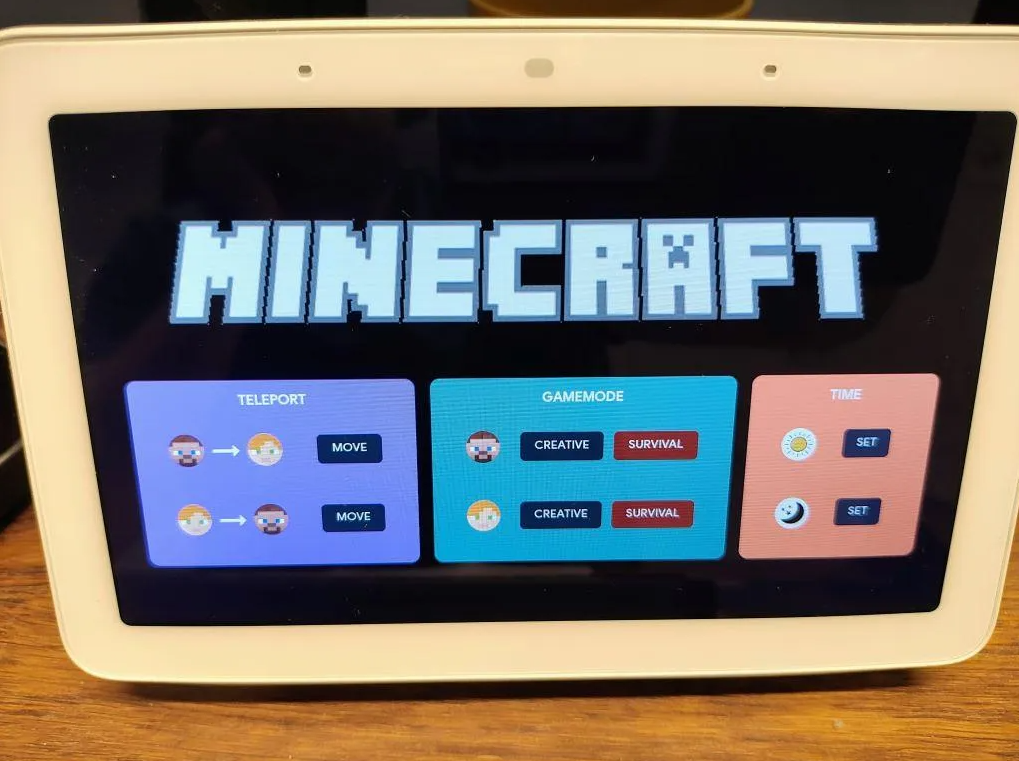
Minecraft RCON
- Control your self-hosted Minecraft server remotely
Home Assistant
- Setup dashboards, floor plans, automations (scripts, location, ...)
- Integrate via official plugins or community built integrations (HACS)
- Central place where you can control all your connected devices
- Zigbee, mqtt (pub/sub), Zigbee2mqtt HA plugin
- Bresser Weather station
- Ecowitt plant sensors
Shoutout to Robin
RESOURCES
YouTubers
RESOURCES
YouTubers
RESOURCES
Apps
EXTRA TIPS
BECAUSE
- Setup in the BIOS that your device reboots automatically after a power outage
- If you self host DNS, set up 2 DNS servers (ideally 2 separate devices)
- UPS (Uninterruptable Power Supply) back-up supply for safe shutdowns